01
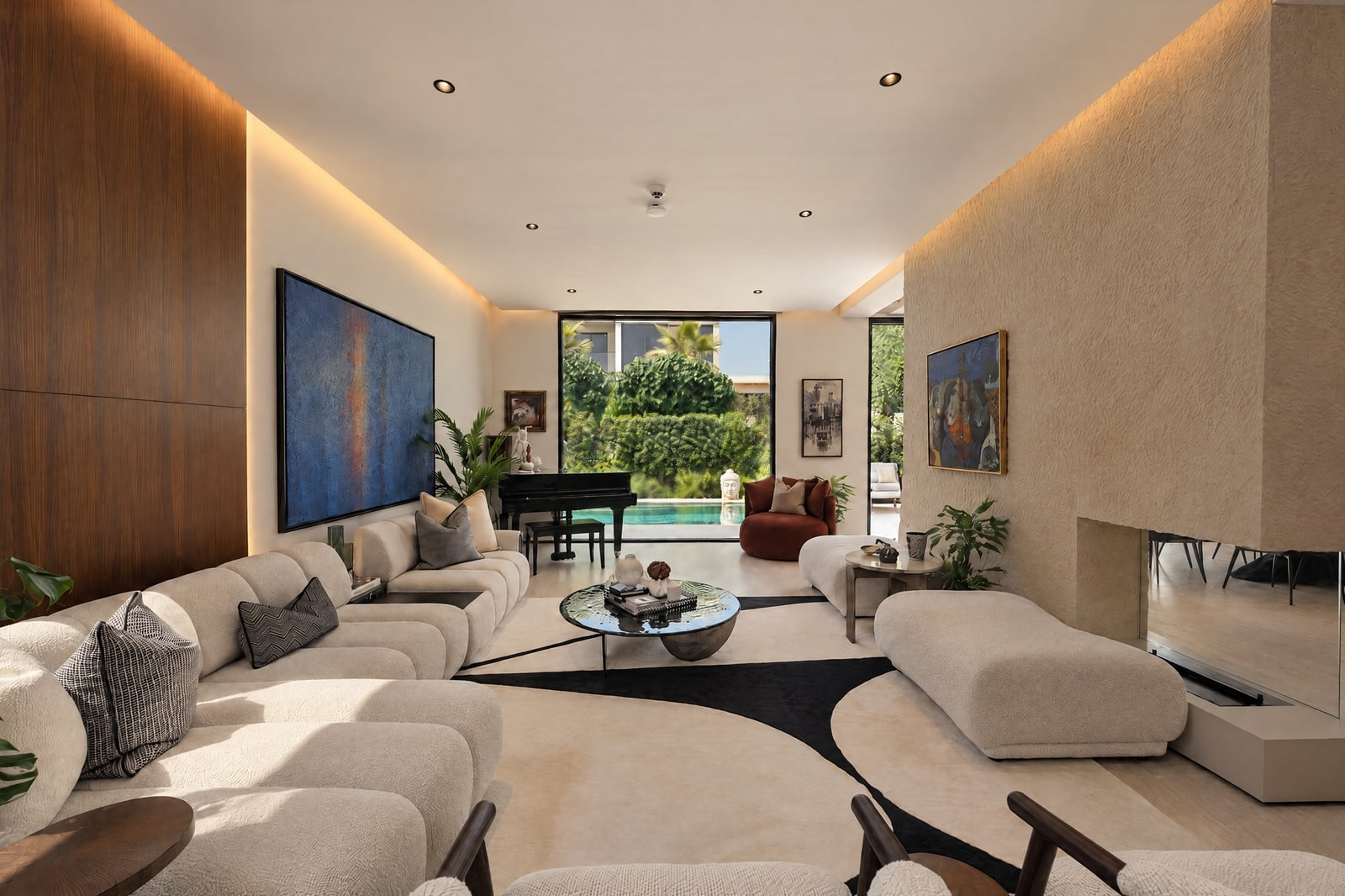
Balanced daylight
A living room, opened to light
A brighter interior with depth in the seating, timber and garden view.
Explore the editThe photograph. The finish. The thinking.
Property retouching shaped around light, materials and your style. Explore 10 approved photo studies, watch the complete film or individual moving shots, and discover a private workspace that takes your team from brief to approval.
Explore all 10 studies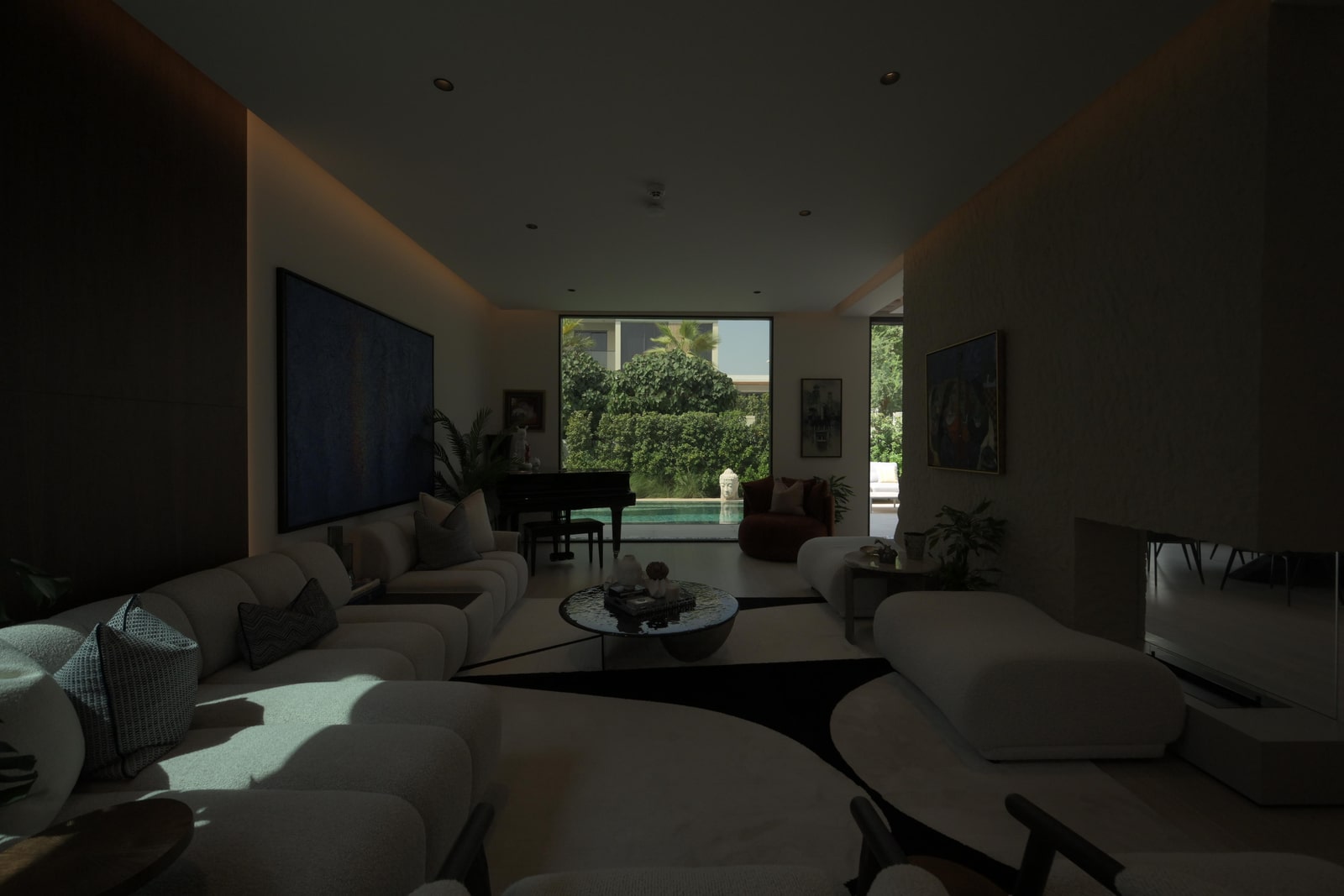
Drag across the photo or use the comparison control. The full frame stays visible.
Featured / Balanced daylight
Originals for comparison
Studio-approved versions
A finish shaped around your shoot
The collection
Explore the visual brief, compare the original and see what to look for in the final review.
10 studies · All work
Balanced daylight
A brighter interior with depth in the seating, timber and garden view.
Explore the edit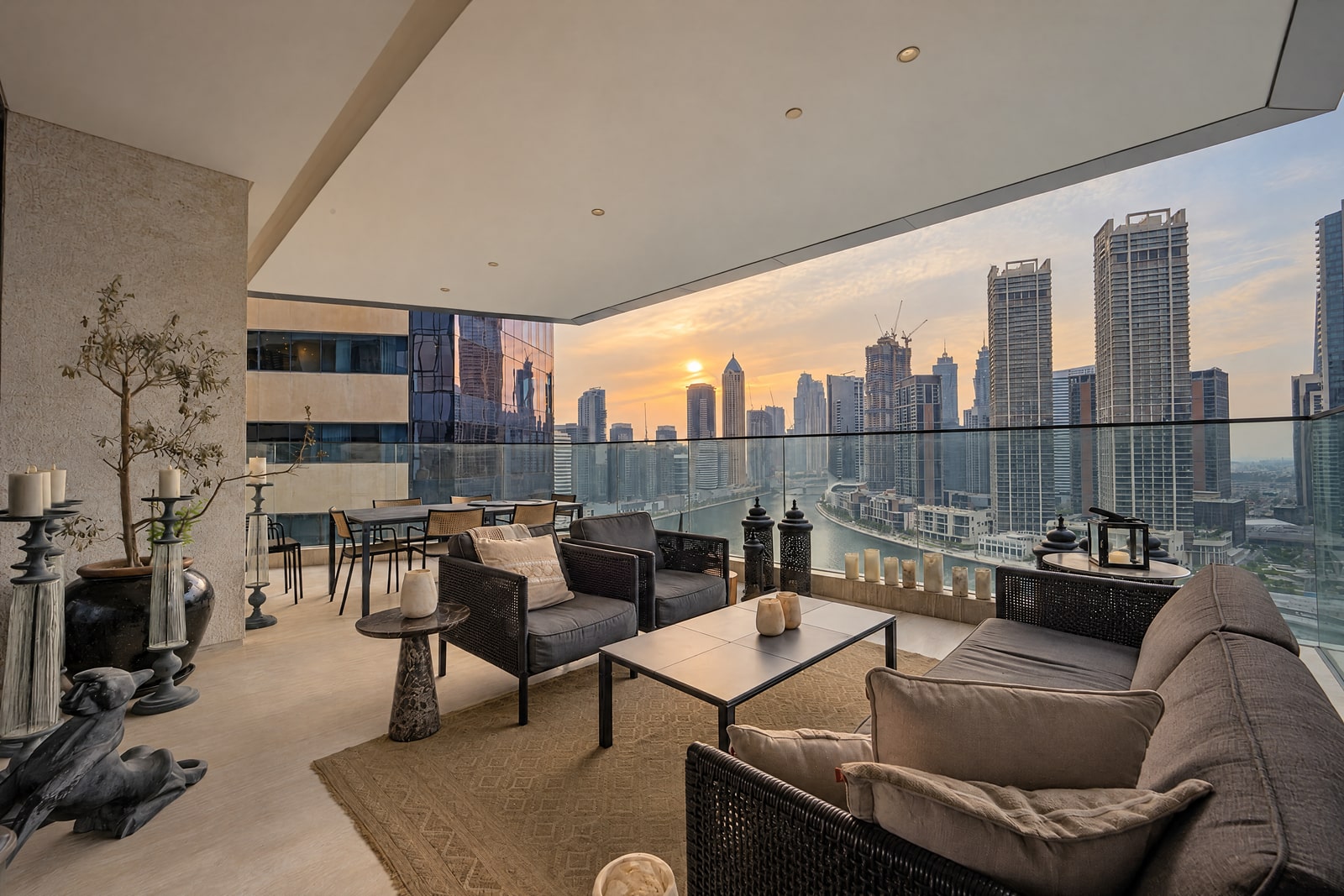
Warm sunset
An inviting foreground against a warm, distant skyline.
Explore the edit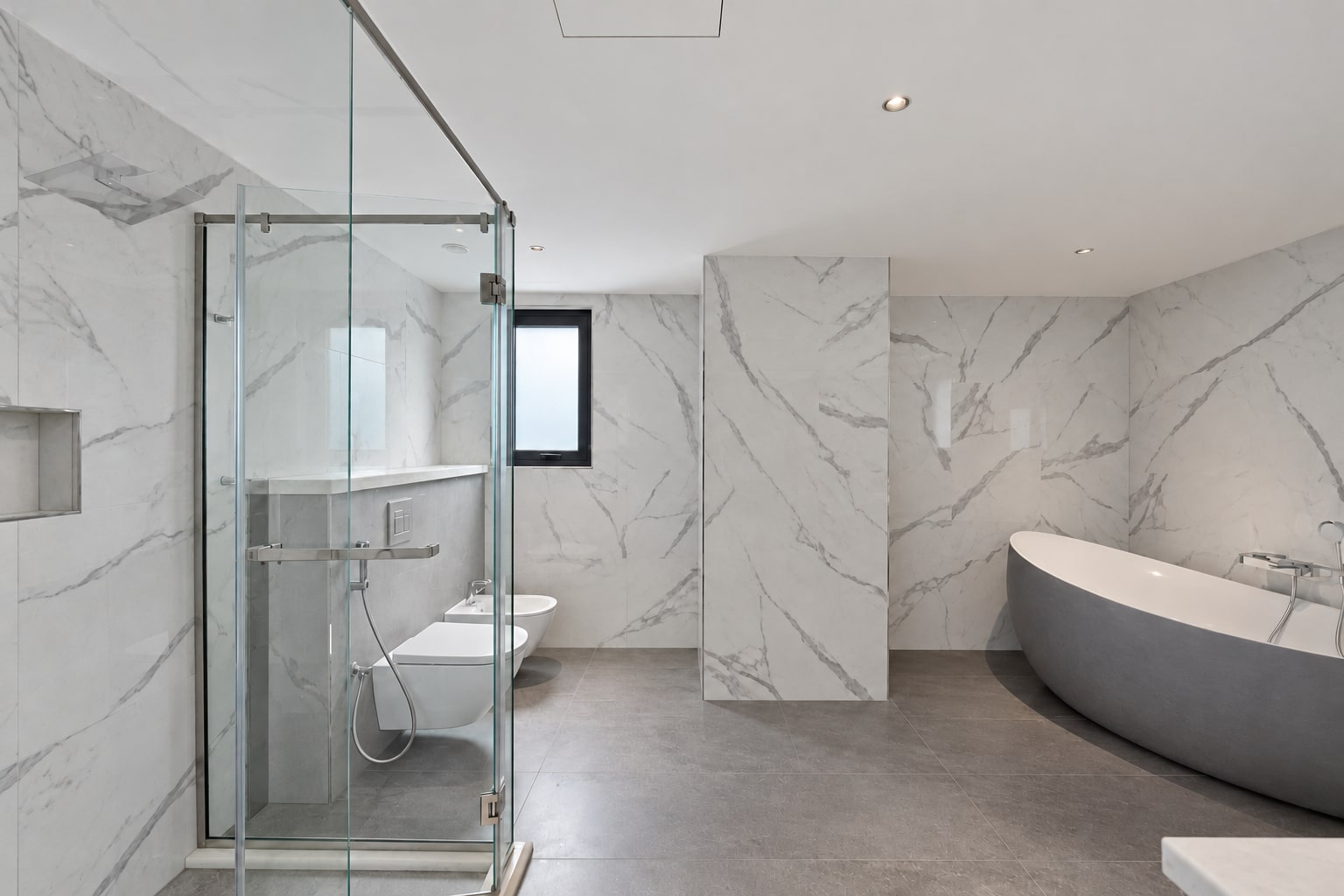
Clean, neutral stone
White stone, grey veining and transparent glass in a lighter room.
Explore the edit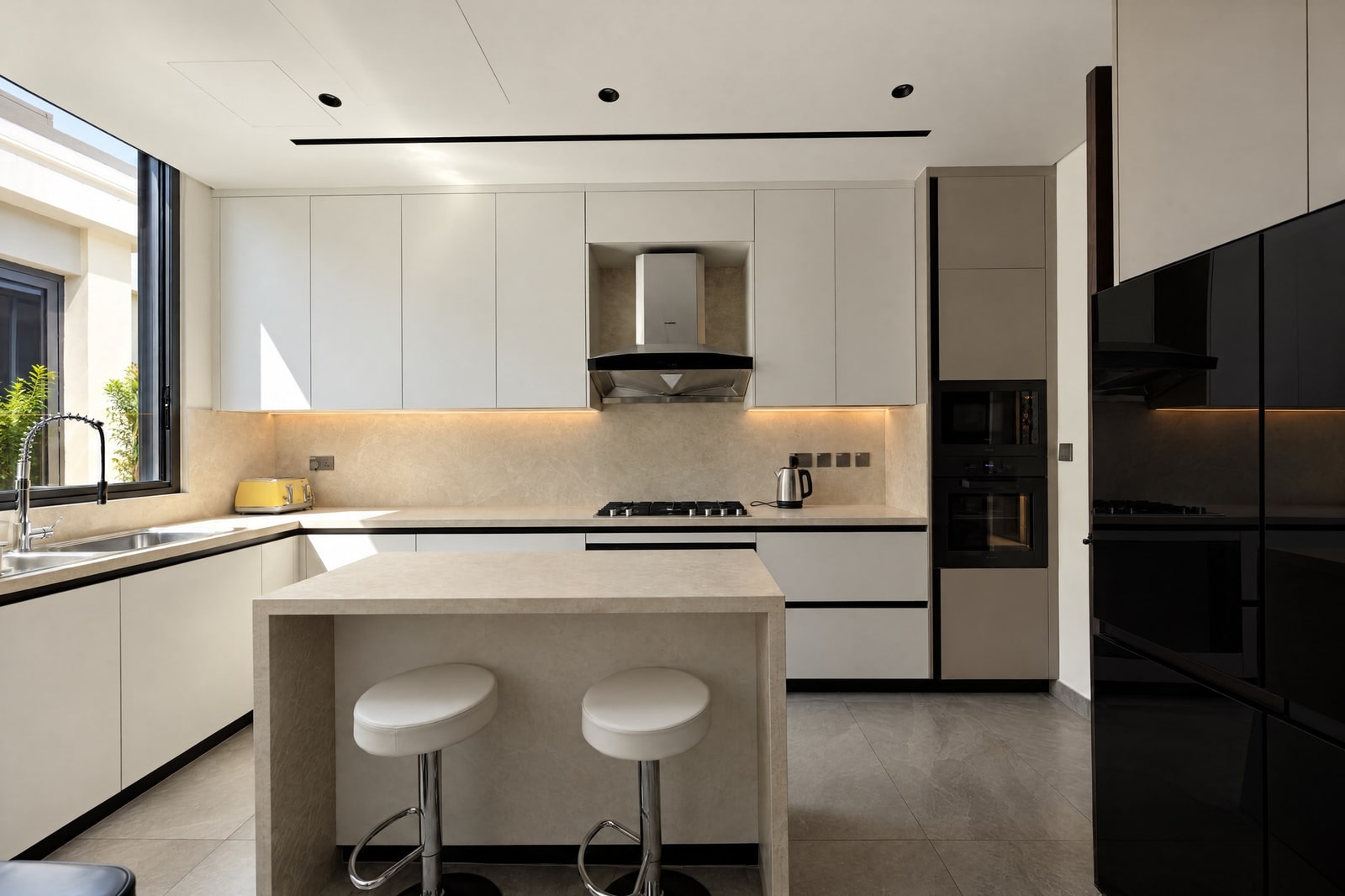
Clean daylight
Pale cabinetry and stone, with the black appliances kept visually distinct.
Explore the edit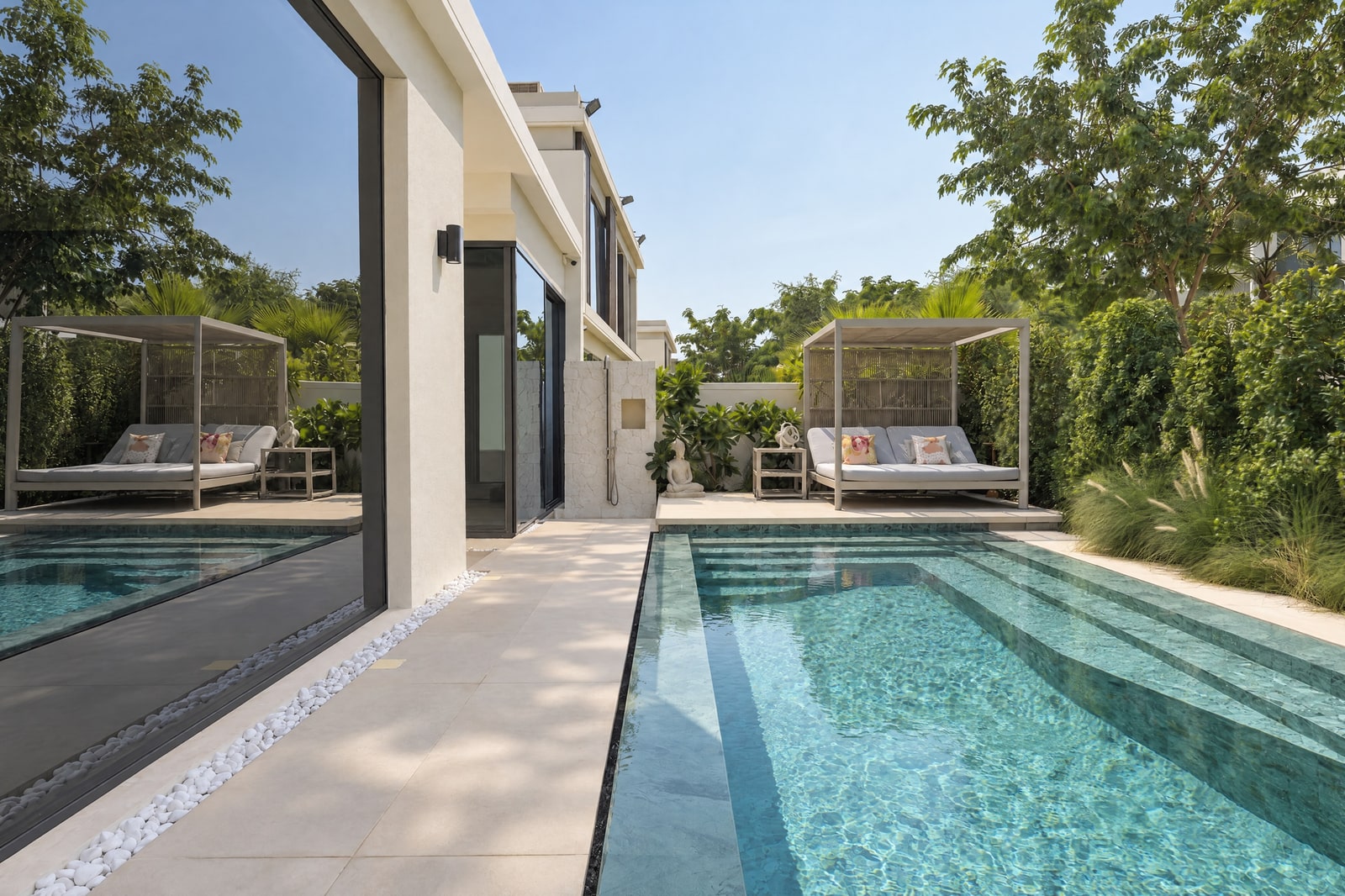
Natural outdoor light
Sunlit stone, pool colour and planting seen together.
Explore the edit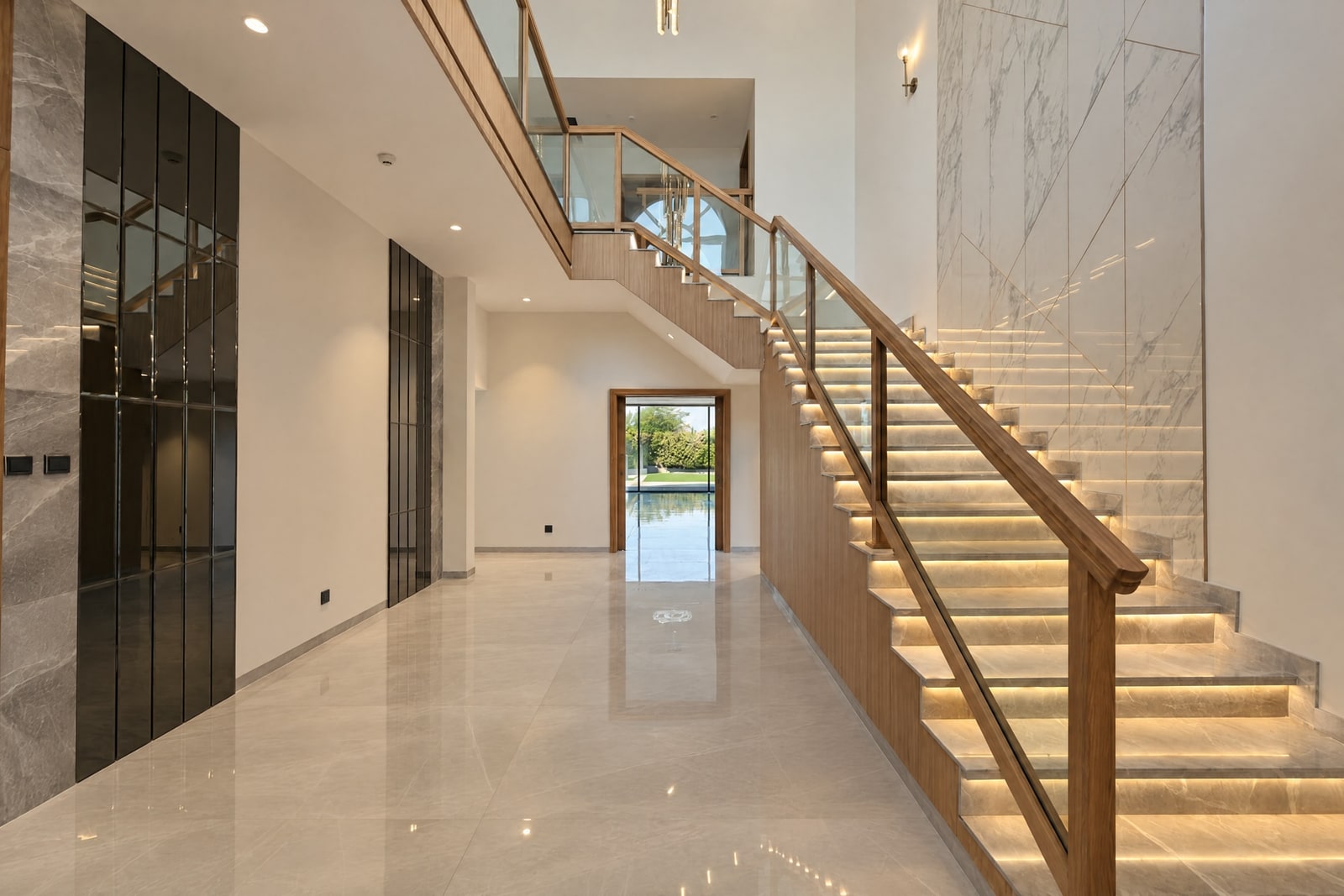
Warm architectural light
A brighter hall that keeps the stair lighting as a focal point.
Explore the edit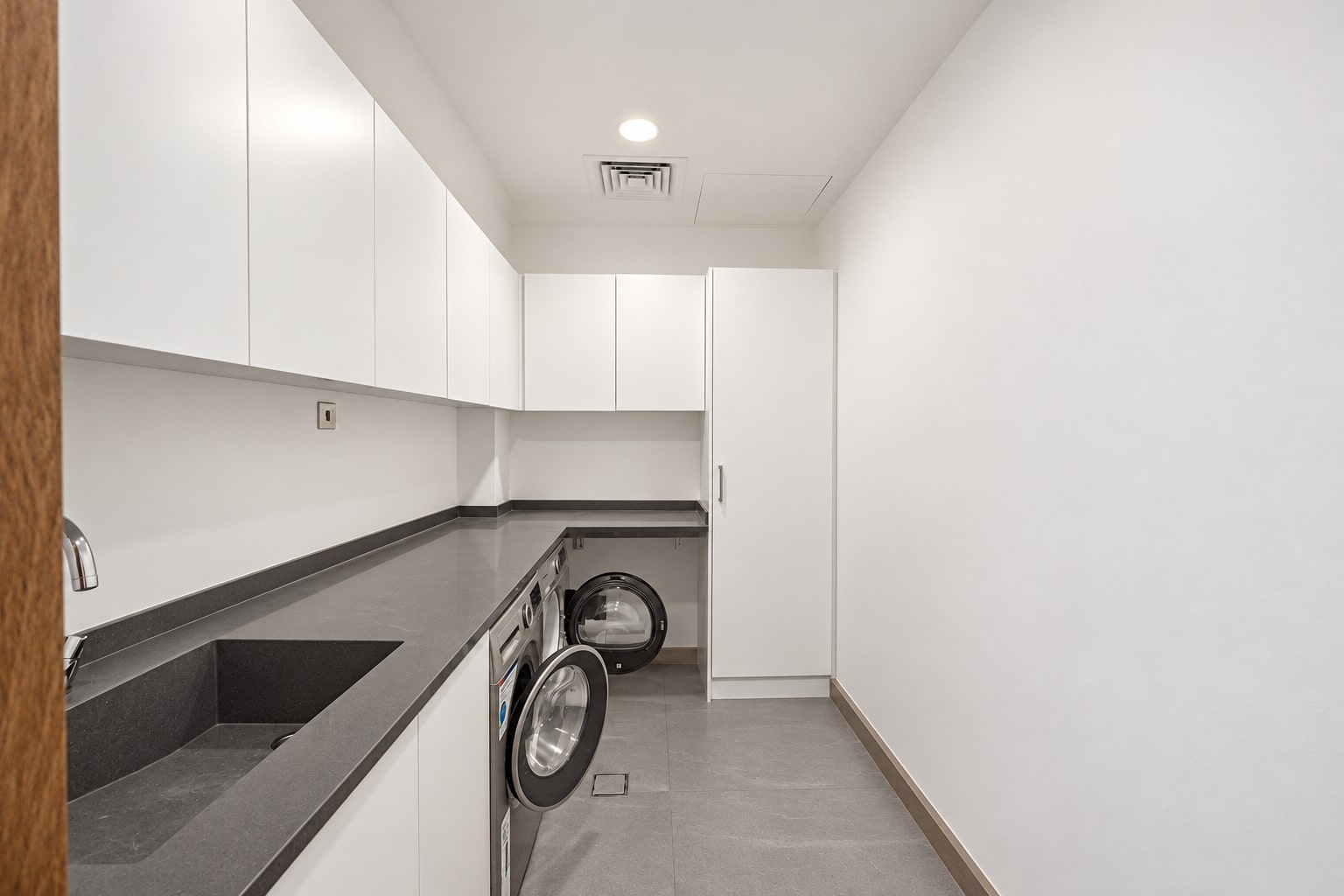
Selective cleanup
A utility room presented with the temporary clutter removed.
Explore the edit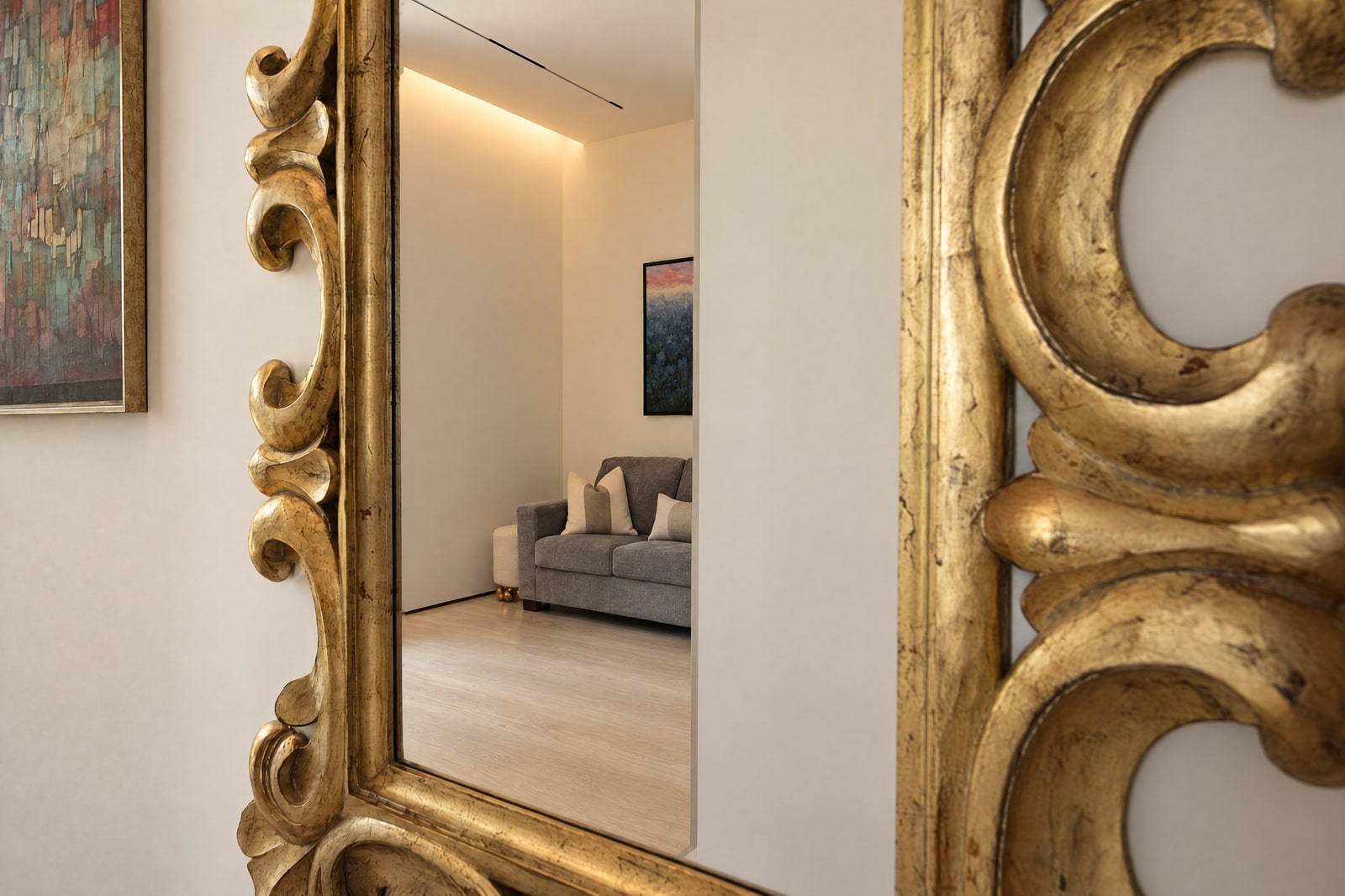
Warm material detail
A close view of metal character, carved edges and reflected space.
Explore the edit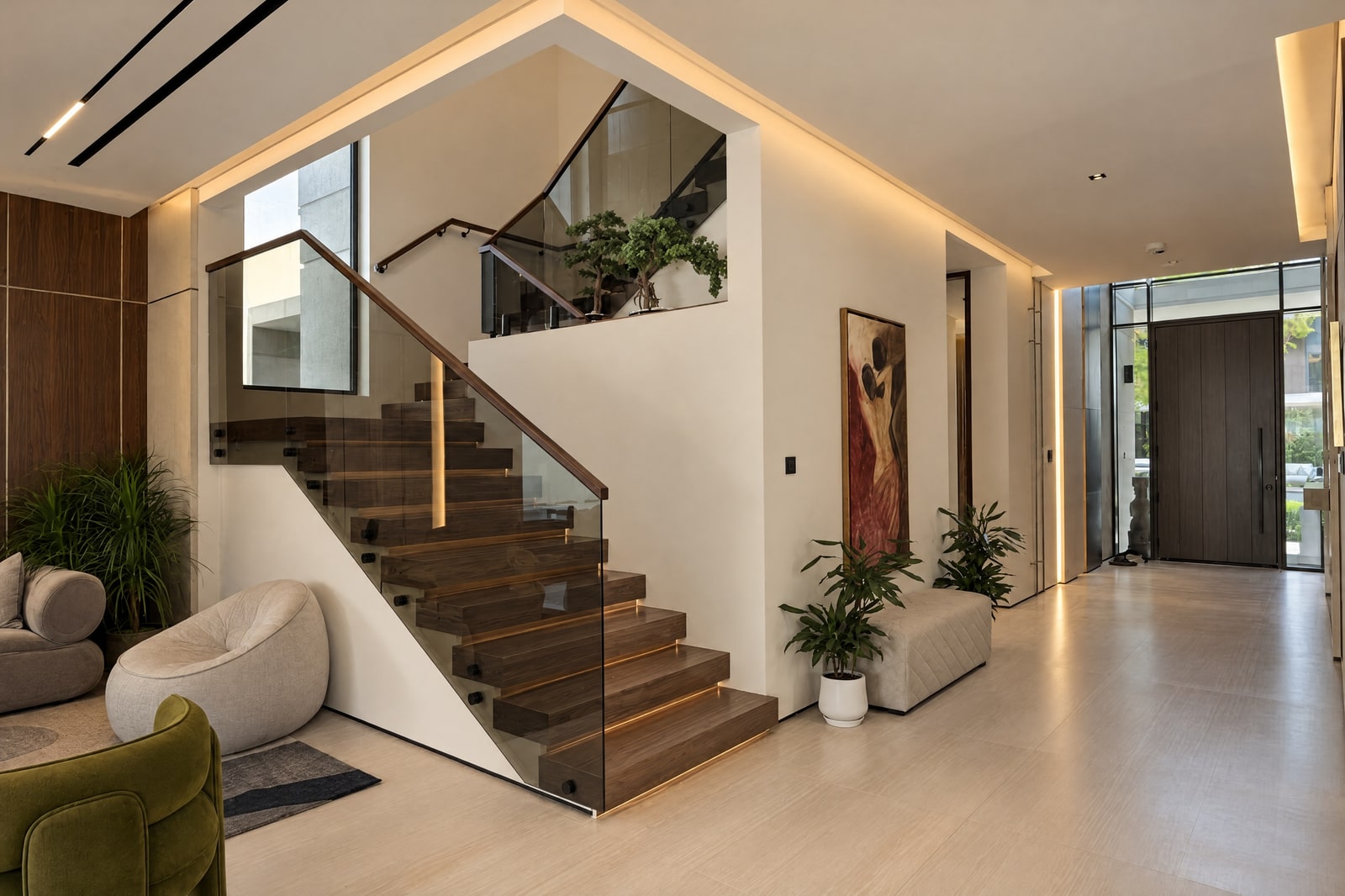
Warm daylight
Warm timber and pale surfaces with distinct roles in the frame.
Explore the edit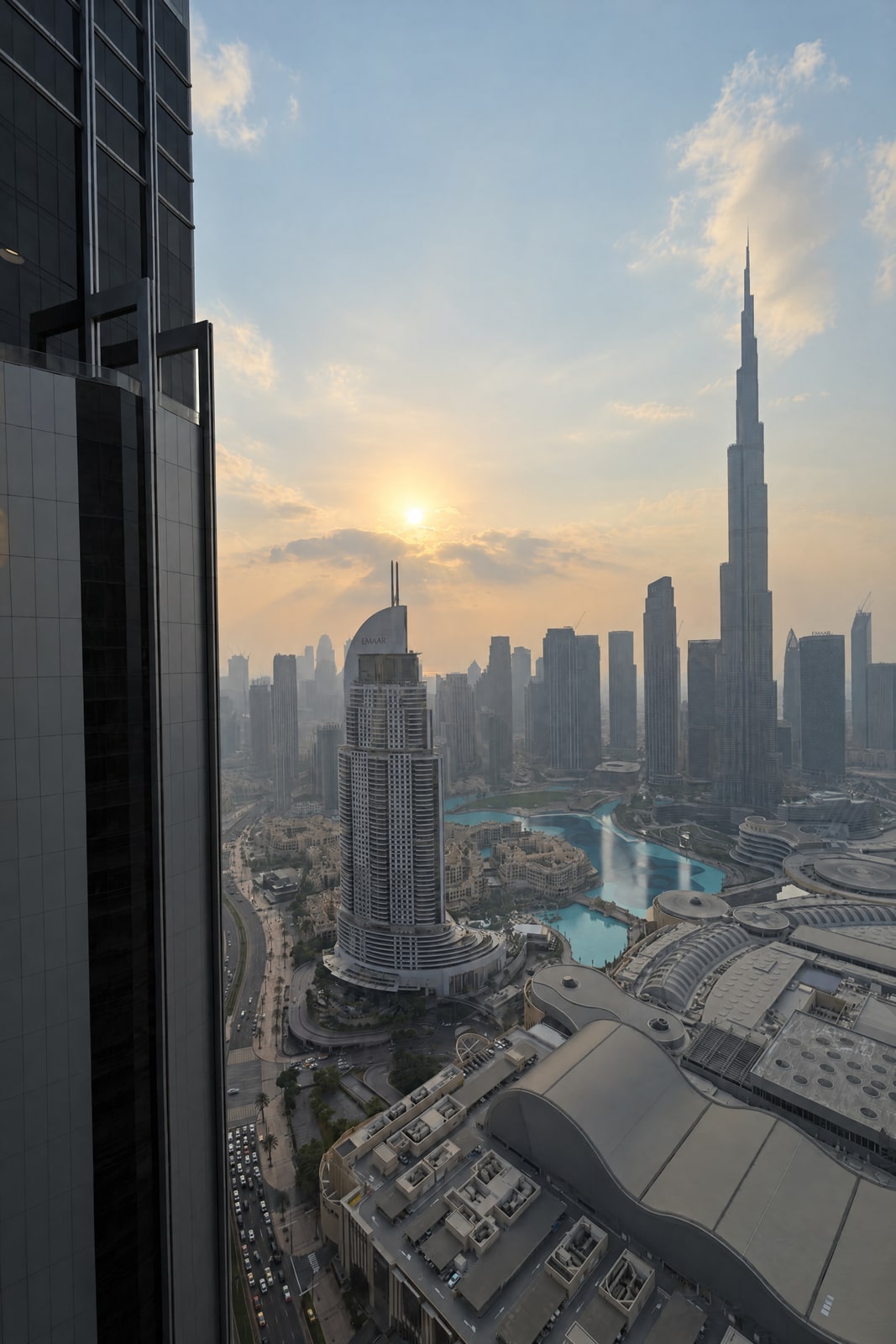
Balanced sunset
A dark city view opened up while retaining an evening atmosphere.
Explore the editFrom photograph to motion · Preview
A listing video turns finished property photographs into a sequence of moving shots. Start with the light, materials and mood you approved, then shape the pace for a website or social post.
Discuss a video brief ↗Four scenes. One flowing sequence.
37 seconds · SilentA montage of selected scenes from different properties: living, pool, detail and kitchen. The terrace is a separate study. Silent playback starts in view; pause any time. Reduced-motion preferences keep playback manual.
The complete film
From the living room to the pool, into the detail and through the kitchen. One-second crossfades connect the four moving scenes into a quiet, considered sequence.
Built around your photographs
Choose the finished shots, set their order and review the complete film before delivery. For your own listing, the sequence is built from that property’s approved photographs.
Explore each source and its finish:
01 / Finish firstChoose the approved photographs and the story they should tell.
02 / Shape the movementSet the camera direction and pace, then review each shot against its source.
03 / Bring it togetherArrange the approved clips, choose the transitions and review one complete listing film.
Explore it for your next shoot
Motion is in preview. Contact the studio to discuss suitability, availability, pricing and delivery before commissioning a video. Video is separate from the three complimentary photo edits.
These clips use generated camera movement from still photographs, rather than filmed walkthroughs. Perspective and fine details can change and require review. The approved still is the reference, not a guarantee of identical video detail. Samples are silent; music would need a separate licence.
Less back-and-forth. More time for the next shoot.
Give the edit a direction, generate a finish and review it beside the original. DUNEFORMA brings property photo editing and team decisions into one workspace, so you spend less time moving files between tools and conversations.
You do not need Photoshop or Lightroom to use DUNEFORMA. Upload your photographs, describe the finish and review the result in your browser.
Keep uploads, photo notes, generation, revisions and downloads together. Spend less time exporting versions and chasing feedback across different apps.
Choose a starting look, save house-style guidance and use an approved finish as a reference. Guide the set with a shared direction rather than rebuilding the brief for every photo.
Choose a monthly credit package, follow the balance and keep the team in the same workspace. One free revision is attached to each spent credit, so refinements have a clear place.
| The task | With a manual editing workflow | With DUNEFORMA |
|---|---|---|
| Prepare the edit | Work through editing controls yourself | Start with a look, a brief and appearance references |
| Request a change | Manage exported files and separate messages | Keep photo-specific notes and versions with the source |
| Review with the team | Gather feedback across files and conversations | Compare, request revisions and approve in one workspace |
| Plan generation costs | Track tool and provider usage separately | Use a shared credit balance with an included revision per spent credit |
Every generated result still needs your visual review. Specialist edits may benefit from additional manual work; processing time depends on the image and the queue.
The DUNEFORMA approach
Photographic craft and a connected workspace for property photography teams. Shape a consistent finish, review the details and keep control of what gets delivered.
01
Balance daylight and windows, refine colour and preserve material character. Choose a starting look and guide it with your own brief and appearance references.
02
Use photo-specific notes for reflections, temporary clutter or local light. Compare each revision with its source before deciding what belongs in the final image.
03
Upload photographs, organise the set and follow processing progress. Retouch in DUNEFORMA or import prepared results into the same review workflow.
04
Inspect framing, materials and foliage beside the original. Available checks and grid filters help surface warnings; your visual judgement makes the final decision.
05
Save a house style, add teaching examples and use an approved finish as a reference across the shoot. Keep the source scene and the appearance brief distinct.
06
Invite colleagues into your company workspace. Keep notes, versions, change requests and approvals together, then download the approved photographs as a set.
Tools depend on your workspace setup and the type of result. Some imported or older versions have checks that were not run; “not checked” is never a pass. Start with three sample photo edits.
Behind the work
DUNEFORMA keeps the visual direction, photographs, versions and decisions together. Each finish is reviewed before approval.
These are the workflow tools available in DUNEFORMA. Each study identifies its recorded route; not every historic edit used every tool.
Choose a starting look, add the shoot brief and use a finish reference. The original defines the scene; the reference guides appearance.
Describe the room, window assembly, view and materials separately. Photo notes carry local instructions alongside the shared direction.
Retouch in DUNEFORMA or import a prepared result. Keep the original accessible and review revisions instead of losing the comparison in a message thread.
Compare the whole frame, then inspect framing, material character and foliage. Available quality checks are guides; missing checks are not passes. Request refinements before approving.
Use an approved photograph as a finish reference, review the remaining views and download the approved set together.
Let your photographs be the test
Three complimentary edits from one shoot, three JPEGs at an agreed size and one combined refinement round. We agree the brief and date before starting. A pilot for up to five selected photography teams.
These are selected versions reviewed and approved in DUNEFORMA. The descriptions explain the visible finish and the saved direction; they are not a claim that every pixel or editing action has been independently verified. Some results were prepared outside the app and imported for review; those studies say so.
Web copies are reduced for viewing and have metadata removed. Frames are displayed without a new alignment correction or comparison crop. Cleanup can reconstruct areas hidden by removed objects. Original photographs, editing permission and the agreed brief matter for every new project.
AI-assisted tools are part of the structured retouching workflow. Human direction and review remain central. Read the editing disclosure.
Monthly photo credits
Standard rate AED 9 / photo
Monthly packages bring it to AED 8, AED 7 or AED 6 per credit.
Every credit includes one revision of the same photo.
A confident start
AED 8 per photo generation
AED 800 / month
Save AED 100 against the standard photo rate
Room for the team
AED 7 per photo generation
AED 3,500 / month
Save AED 1,000 against the standard photo rate
Built for volume
Best valueAED 6 per photo generation
AED 6,000 / month
Save AED 3,000 against the standard photo rate
1 credit buys one generation or an additional paid revision, and unlocks one free revision of that same photo. Included revisions are available before photo approval. They cannot be transferred and end when that photo is approved or the subscription cycle expires.
Unused new credits carry for one extra cycle on continuous same-tier renewal or upgrade, up to the applicable allocation cap. Rollover is used first and cannot roll again. Gaps and downgrades forfeit rollover. These packages cover still photos; video is quoted separately. Monthly payment and activation are arranged with the studio. Prices exclude applicable VAT.